

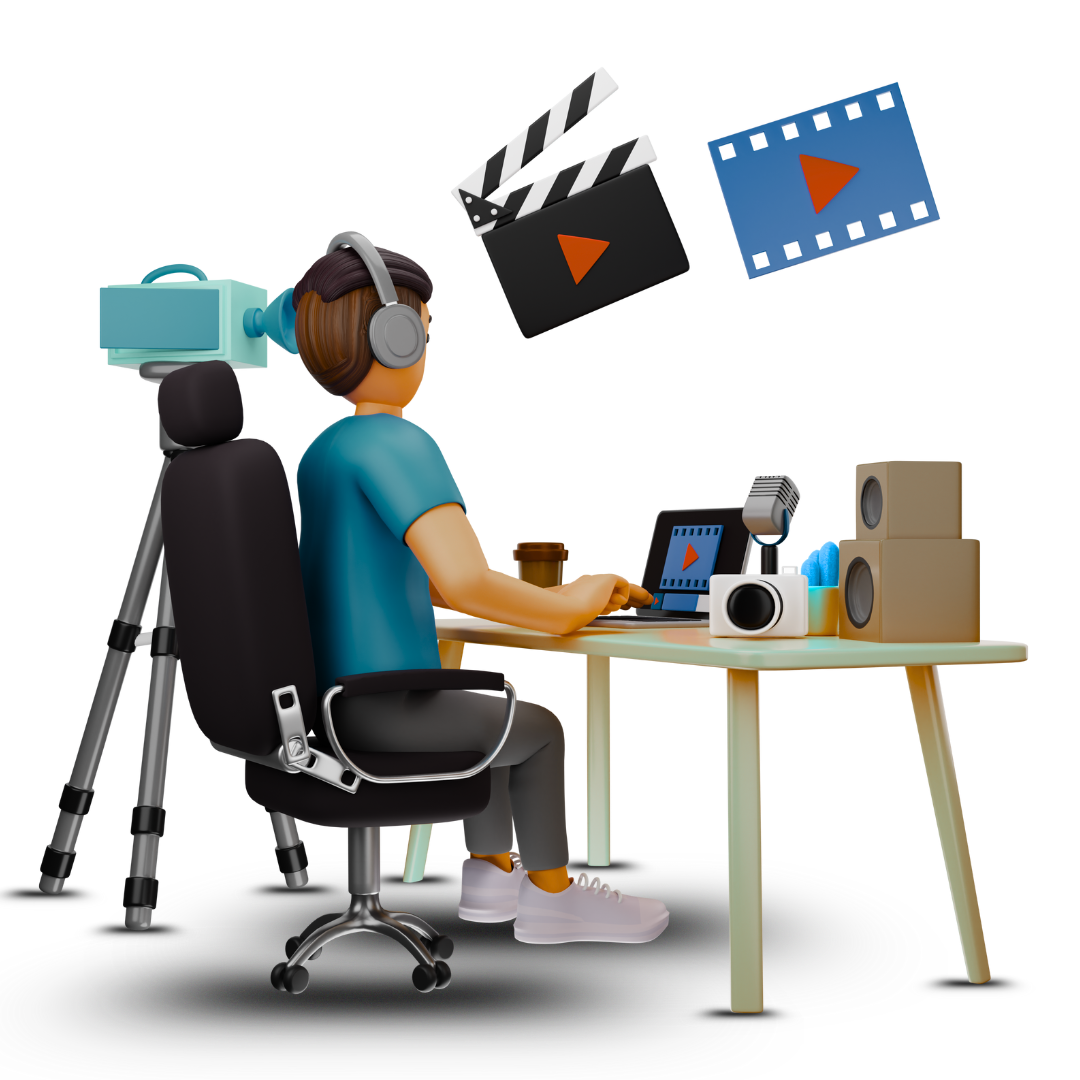
Video Editing
Original price was: ₹5,000.00.₹2,499.00Current price is: ₹2,499.00.
Description
Video
Editing
Duration: 3 Months
Certificate: Yes
Course Fee: ₹2,499
Learn: Premiere Pro, After Effects, Audio Sync, Transitions
Career Path: Video Editor, YouTuber, Content Creator
Video Editing Curriculum Outline
1. Introduction to Video Editing
-
What is video editing? Role in filmmaking, marketing, social media
-
Types of video editing (linear vs non-linear editing)
-
Overview of video formats, codecs, and resolutions
-
Basic video production workflow
2. Fundamentals of Editing
-
Understanding the timeline and workspace
-
Basic cuts and transitions (cut, dissolve, fade, wipe)
-
Storytelling through editing — pacing, rhythm, continuity
-
Working with audio: sync, levels, and basic sound editing
3. Video Editing Software Tools
-
Overview of popular video editing software:
-
Adobe Premiere Pro
-
Final Cut Pro
-
DaVinci Resolve
-
Sony Vegas Pro
-
-
Basic interface navigation and customization
-
Importing and organizing media files
4. Cutting and Trimming
-
Tools for cutting, trimming, ripple edits, slip edits
-
Multi-cam editing basics
-
Using markers and sequences for organization
-
Creating rough cuts vs fine cuts
5. Transitions and Effects
-
Applying and customizing transitions
-
Using video effects: color correction, keying (green screen), motion effects
-
Working with overlays, titles, and text animation
-
Basic keyframing for animation and effects
6. Color Correction and Grading
-
Understanding color wheels, scopes, and LUTs
-
Basic color correction for exposure, white balance, contrast
-
Creative color grading to set mood and tone
-
Matching shots for continuity
7. Audio Editing and Mixing
-
Importing and syncing audio tracks
-
Adjusting audio levels and keyframes
-
Noise reduction and audio effects
-
Using background music and sound effects
8. Advanced Editing Techniques
-
Working with green screen and chroma keying
-
Motion graphics basics and integration with After Effects
-
Multi-layer compositing
-
Speed ramps, slow motion, and time remapping
9. Exporting and Delivery
-
Export settings for different platforms (YouTube, broadcast, social media)
-
Understanding codecs and file formats
-
Preparing final deliverables and backups
-
Archiving projects
10. Projects and Portfolio
-
Editing short films, vlogs, commercials, music videos
-
Collaborative projects and feedback sessions
-
Building an editing demo reel
-
Best practices for client communication and freelancing
Related products
-
- Sale!
- Courses
Digital Marketing
- Original price was: ₹5,000.00.₹2,499.00Current price is: ₹2,499.00.
- Add to cart
-
- Sale!
- Courses
Graphics Design
- Original price was: ₹5,000.00.₹2,499.00Current price is: ₹2,499.00.
- Add to cart
-
- Sale!
- Courses
Web design
- Original price was: ₹5,000.00.₹2,499.00Current price is: ₹2,499.00.
- Add to cart



Reviews
There are no reviews yet.